
A recent Windows 11 update issue is causing major problems for owners of ASUS ROG Ally, ROG Ally X, and ROG Xbox Ally handheld gaming PCs by preventing Armoury Crate (the essential system control software) from launching normally. Many users report that, after installing the latest Windows 11 patches Windows Smart App Control (SAC) is incorrectly flagging and blocking Armoury Crate as an untrusted or potentially harmful app.
This issue has effectively disabled critical functions like performance mode switching, system control access, TDP and power adjustments, button mappings, and even firmware updates. The root of the problem is Windows 11's "Smart App Control", which is an AI-powered security feature designed to block software that Windows considers unsafe before it runs.
Normally, SAC protects users from unknown or risky apps, but in this case it's mistakenly identifying ASUS Armoury Crate's components as unverified or unsafe even including helper services and installers that Armoury Crate SE depends on to function properly. By blocking it produces a tons of issues. The Armoury Crate refuses to open, gets stuck in repair loops, or sometimes shows an "Oops!" error message.
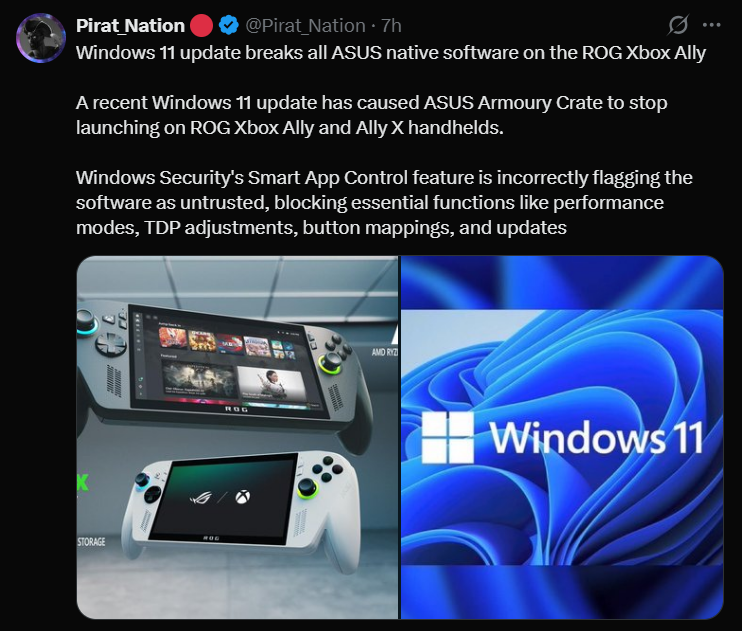
Windows also blocks background services that Armoury Crate needs to manage performance and hardware profiles. Sometimes, driver and firmware updates can fail or become unavailable. Even essential features like controller layouts, button mappings, and performance profiles are rendered unavailable until the software runs again.
Microsoft and ASUS, along with the community and even tech news outlets confirm that this issue is widely recognized and reproducible on multiple devices and builds, and many ROG Ally owners are reporting it across forums and social media. Right now, users are being advised to disable Smart App Control inside Windows Security.
Community troubleshooting threads have also emerged describing the exact gamepad, launcher, and control failures caused by the SAC blockage. Reports show that disabling SAC often restores Armoury Crate operation, but Windows won’t allow re-enabling it on some build paths unless a clean OS install is performed. Neither Microsoft nor ASUS has issued a dedicated official bulletin specifically addressing this Armoury Crate malfunction until now, but they are aware of broader SAC behavior changes.
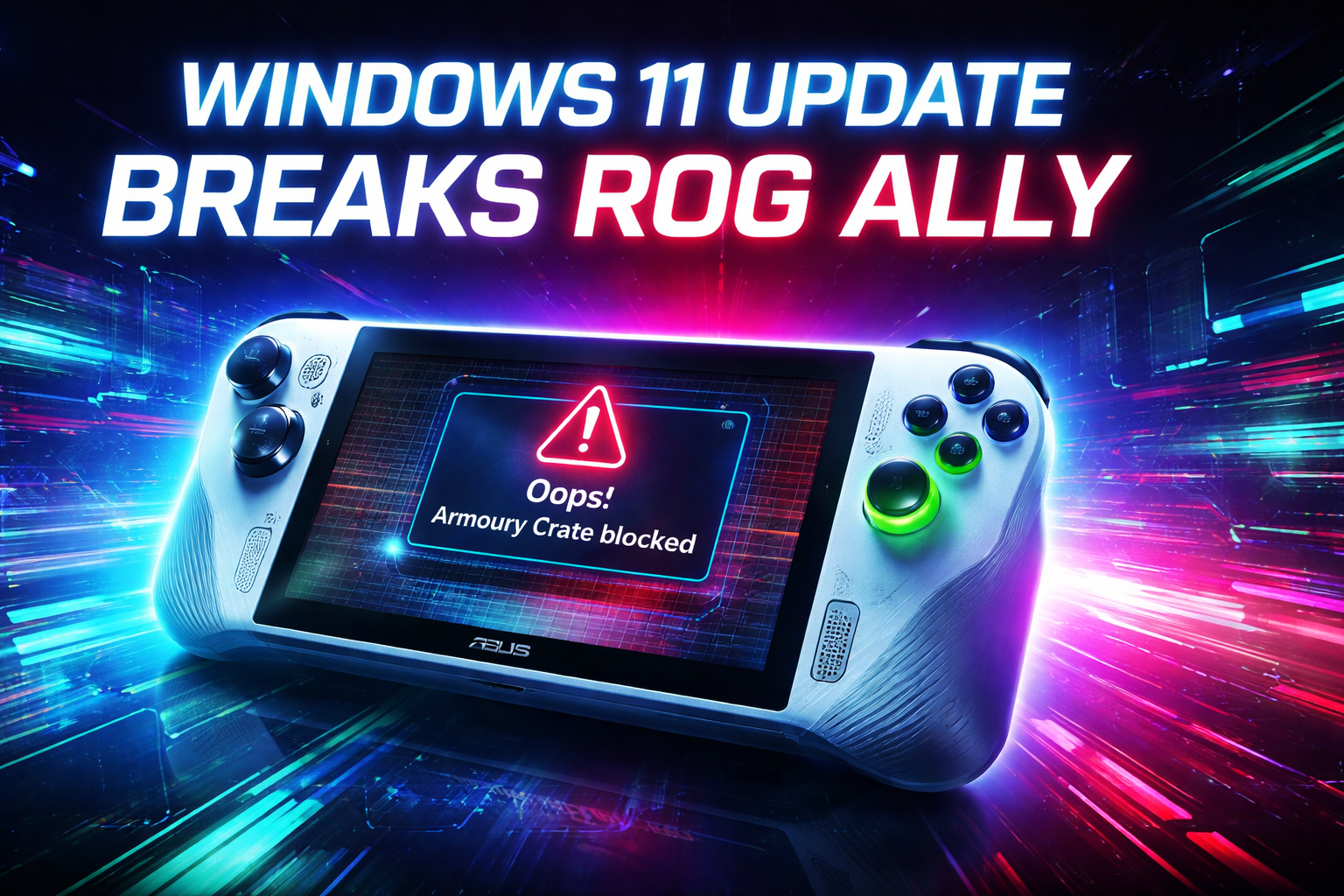
Microsoft has already begun rolling out improvements to Smart App Control so that it can be turned off and on again without completely reinstalling Windows. A change currently being tested in Windows insider builds and is expected to expand more broadly in 2026 updates. Until a proper fix arrives, users have to disable Smart App Control temporarily if Armoury Crate is blocked. Try uninstalling then reinstalling Armoury Crate once Smart App Control is disabled, so Windows will register it properly.
Users are also advised to keep Windows and Armoury Crate updated. If SAC cannot be toggled due to your current Windows build, consider joining the "Windows Insider Program" to get testing updates sooner.
What are your thoughts on this recent Windows 11's intelligent "Smart App Control" (SAC) glitch? What other problems have you faced and what methods do you suggest to tackle this situation? Let us know all your answers in the comments where you can also provide the latest news so I can make a breakdown of it.